
Your garden comes to life
A visual space for your plants, upcoming tasks and watering log.
A moment for your plants
Plant care guidesYour collection, garden and tasks, connected in one app.
Published by Grovia
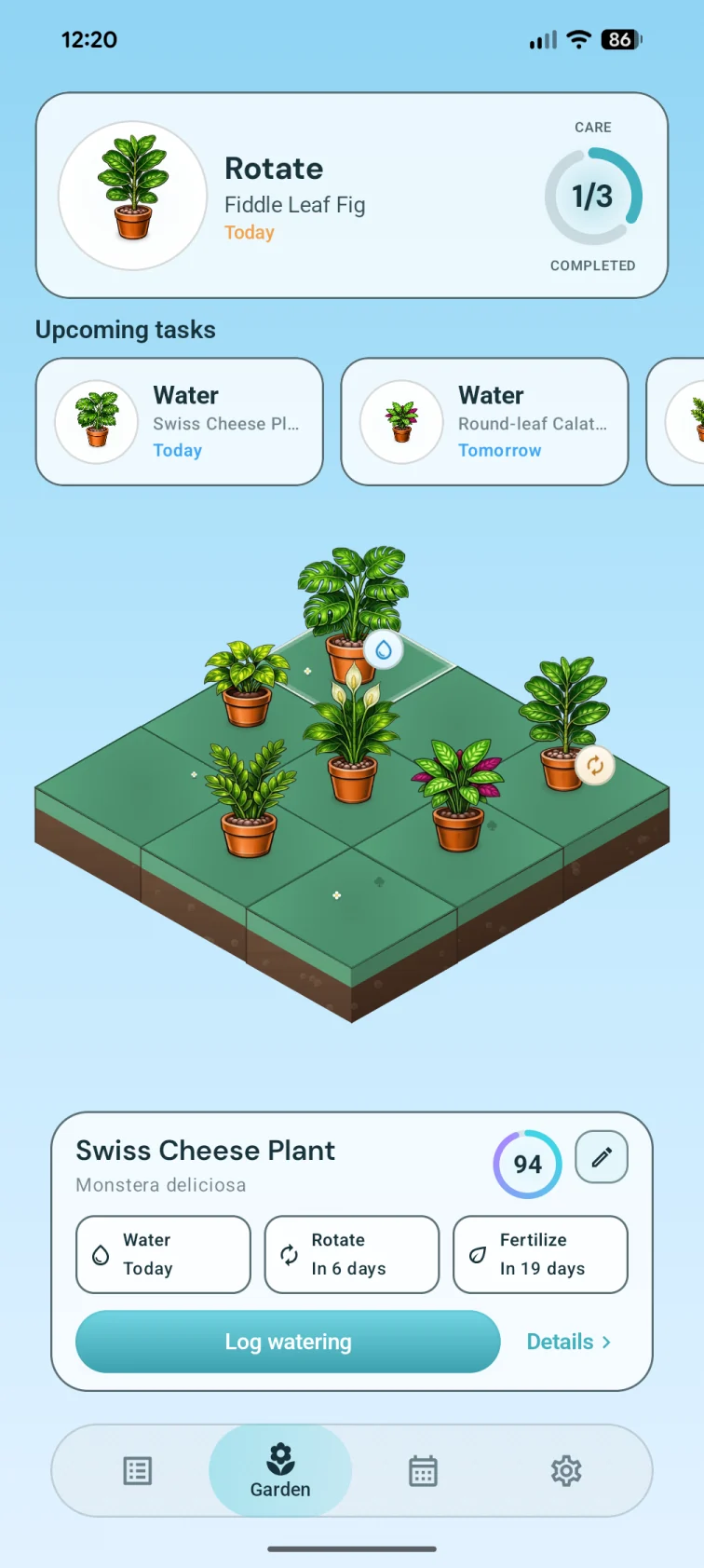
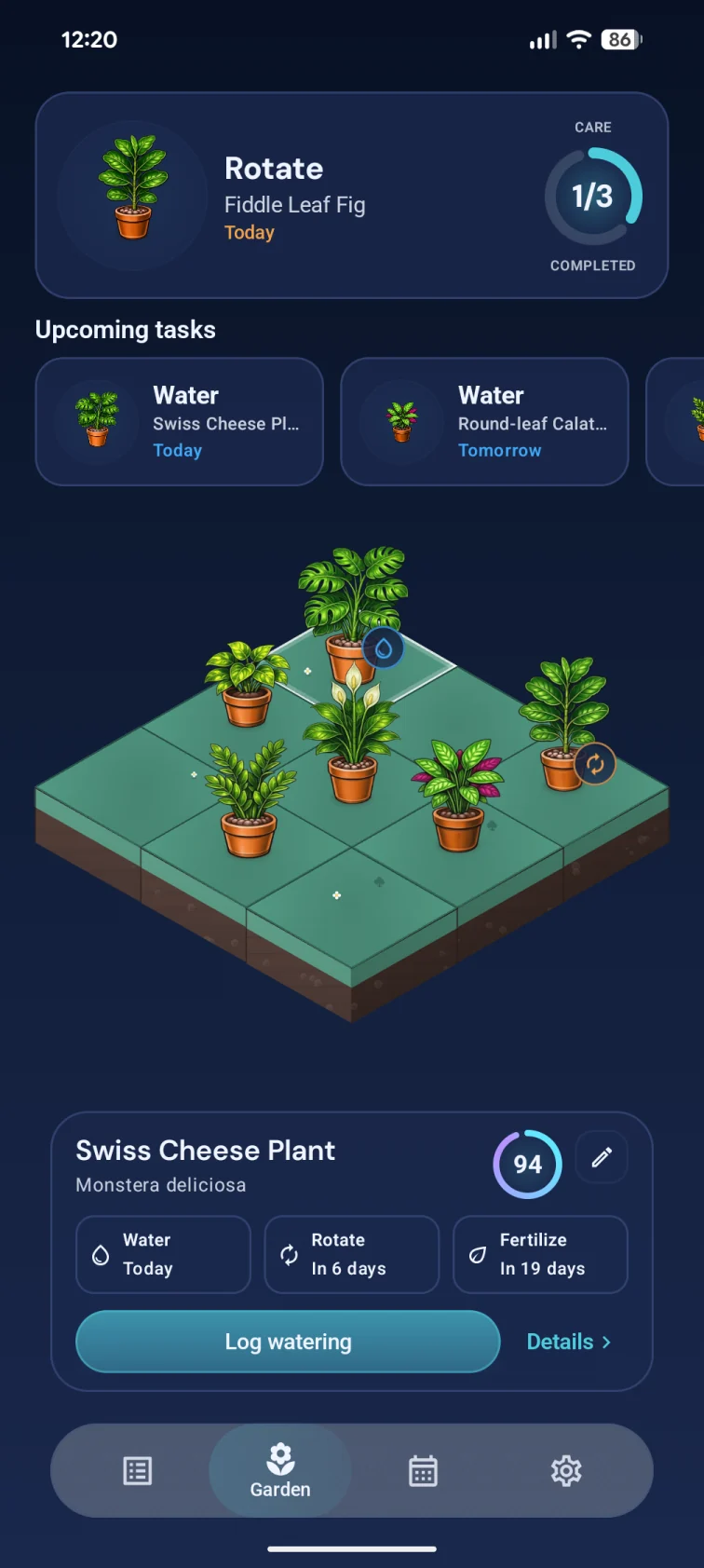
A visual space for your plants, upcoming tasks and watering log.
See the species and maintenance plan alongside your plant’s photo.
See pending and completed tasks, your day plan and upcoming care.
Find plants by name or location and open their profiles from the list.
Search by name or location. Every plant has a place in your collection.
Find plants by name or location and open their profiles from the list.
See your selected plant and its upcoming watering, rotation and fertilizing tasks.
A visual space for your plants, upcoming tasks and watering log.
Open the calendar to see the day plan and pending or completed tasks.
See pending and completed tasks, your day plan and upcoming care.
01
Search by name or location. Every plant has a place in your collection.
02
See your selected plant and its upcoming watering, rotation and fertilizing tasks.
03
Open the calendar to see the day plan and pending or completed tasks.
Your plant collection, profiles, watering and other care tasks through the garden and calendar.
Search the list by name or location and open each plant’s profile.
Start today
Download Grovia and build your plant library with personalized care plans.