
Ad-free guest mode
Start without an account. Link one when you want to sync your data.
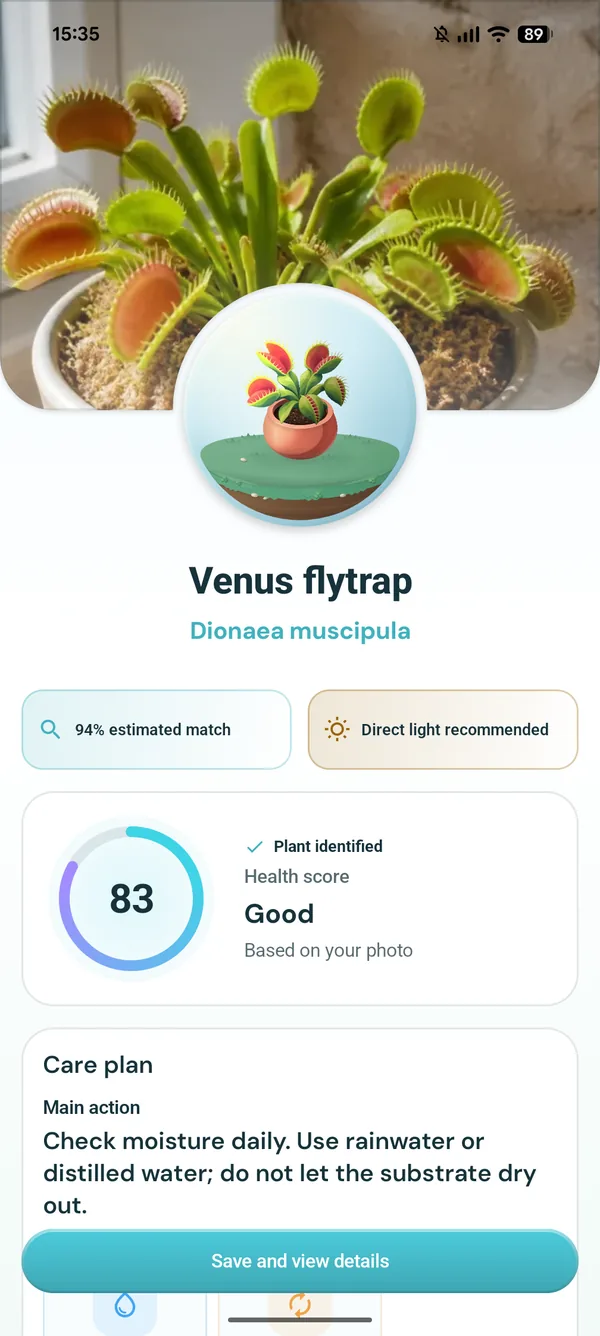
Identify a plant from a photo in Grovia, then save its profile and keep caring for it from the same board.
Published by Grovia
Start without an account. Link one when you want to sync your data.
The free plan includes reminders and up to 5 progress photos per plant.
Get 2 initial AI scans per device, then 1 a week, plus one lifetime sample of the AI progress review per device.
Looking for a PictureThis alternative? Try the whole process with a plant you own. Check the scan against its species profile, especially for lookalikes. You can add the plant manually if you already know its name or have used your scans.
01
Photograph a leaf and the plant’s overall shape in good light.
02
Check the identification before saving the profile.
03
Set the next watering check and add a reference photo.
Start today
Download Grovia on iOS or Android and track watering and photo progress for up to 9 plants in guest mode.
 On a computer?Scan with your phone to install