
No account required
Start right away in guest mode. Link Google or Apple later only if you want cross-device sync.
Honest comparison
Plant care guidesIf you want to organize houseplant care without an immediate paywall or forced sign-up, here is what Grovia actually includes and when another app fits better.
Published by Grovia · Updated: November 24, 2026
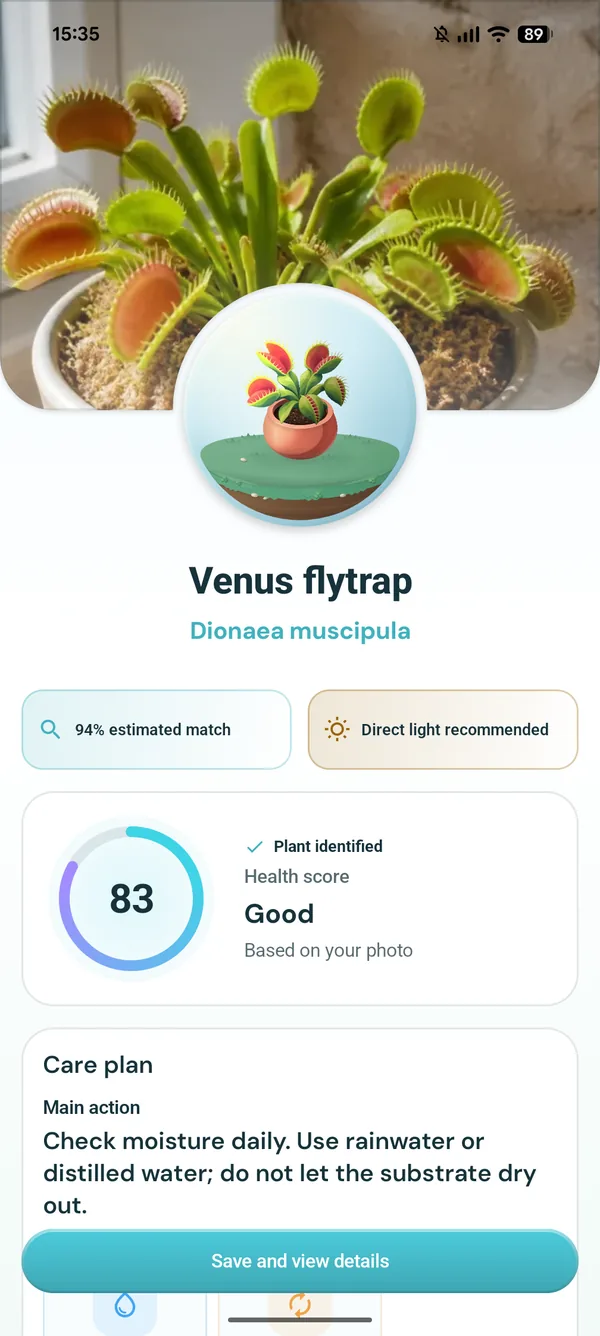
Start right away in guest mode. Link Google or Apple later only if you want cross-device sync.
Up to 9 plants, 5 evolution photos per plant, and 2 initial AI scans plus 1 per week free.
A clean visual garden board and care calendar with zero banner or pop-up ads.
250 care profiles, ASPCA pet toxicity table, and pot-based watering calculator free online.
Verified Grovia details. Competitor pricing and free limits vary by region and store; check each app's store listing for current terms.
| Criterion | Grovia (verified) | What to check in other apps |
|---|---|---|
| Start without sign-up | Yes: guest-first from day one; optional Google/Apple link for sync. | Many apps require an account before you can open your plant board. |
| Free plan scope | Up to 9 plants, 5 evolution photos/plant, 2 initial AI scans + 1 weekly; Grovia Pro expands limits. | Check whether 'free' is only a short trial before an annual charge. |
| Ads | Ad-free across free and Pro. | Check if free usage injects ads between scans or reminders. |
| Care after ID | Visual board, watering/rotation/fertilizing schedule, photo timeline, cautious AI evolution review. | Check whether the app tracks real photo progress or stops at ID. |
| Privacy & deletion | Delete your account and data from Settings in the app, or request deletion on the web without logging in. | Verify how easy it is to delete uploaded plant photos and data. |
| Free web guides | 250 species, ASPCA pet safety table and pot watering calculator in 8 languages. | Check whether care guides sit behind an app-only paywall. |
Grovia Pro is an optional in-app upgrade via App Store or Google Play if you manage larger collections or want higher AI scan limits.
Many plant owners install an app just to check watering or identify a new houseplant, only to hit a mandatory subscription screen before logging a single plant.
Grovia treats identification as the starting step: add plants by photo or manually, build a real photo timeline over time, and adjust watering reminders to your home and season.
To help you pick the right tool:
You can browse all 250 botanical profiles with RHS/Kew POWO sources, search ASPCA pet toxicity, and run the pot-based watering calculator right in your browser with no sign-up.
01
Install on iPhone, iPad or Android and open straight into your board with no sign-up.
02
Add plants by photo or manually (up to 9 free) and set watering, rotation and feeding tasks.
03
Save evolution photos over time and use AI Evolution Review as cautious guidance.
No. The free plan works with no trial card: up to 9 plants, 5 evolution photos per plant, and 2 initial AI scans plus 1 weekly.
Yes. You can add any plant manually with its name, room location and avatar without using AI scans.
No. Both the AI Scanner and AI Evolution Review provide cautious, practical guidance—never a clinical diagnosis.
Start today
Download Grovia on iOS or Android and track watering and photo progress for up to 9 plants in guest mode.
 On a computer?Scan with your phone to install